 AWFLWIKIWORLD
| Internet | |
|---|---|
 Map of connections that make up the Internet | |
| Type | Global network |
| Used for | Communication, learning, work, entertainment |
| Created | 1969 as ARPANET, 1983 as Internet |
| Invented | Many scientists and engineers |
Internet
The Internet is a global network that connects millions of computers around the world.
It lets people share information, talk to each other, watch videos, play games, learn, and work — no matter where they live.
The Internet is not owned by one person or one company. It is made of many networks working together.
What Is the Internet
The word Internet comes from inter + net — meaning networks connected together.
When your phone or computer connects to the Internet, it connects to other computers around the world.
You can:
- Send messages
- Make video calls
- Search for information
- Watch videos
- Read news
- Shop online
- Play games with friends
The Internet works using data — small pieces of information sent from one computer to another.
How the Internet Works
The Internet works in 4 simple steps:
- Device - You use a phone, Computer, or tablet
- Connection - Your device connects through Wi-Fi, mobile data, or cable
- Server - Your request goes to a server, a powerful computer that stores websites
- Response - The server sends back the website, video, or message
Example:
- You type aedtpworld.com
- Your device asks the server for that website
- The server sends the website back
- You see the website on your screen
The Internet is like a post office for computers. It sends and receives information very fast.
Internet vs Web
Many people think the Internet and the Web are the same, but they are different.
- Internet - The network itself, the roads
- Web - The websites you visit, the cars on the roads
The Web is part of the Internet. Email, video calls, and apps also use the Internet, but they are not the Web.
What You Can Do on the Internet
Communication
- Video calls
Learning
- Online classes
- AWFLWIKIWORLD
- YouTube tutorials
- Wikipedia
- Google search
Entertainment
- Music
- Videos
- Games
- Movies
- Live streams
Work and Business
- Online jobs
- Online shops
- Banking
- Meetings
- Sending files
Everyday Life
- Maps and directions
- Weather
- News
- Booking travel
- Ordering food
History of the Internet
- 1969 - ARPANET is created, the first network of computers
- 1970s - Email is invented
- 1983 - The Internet officially begins, computers use TCP/IP
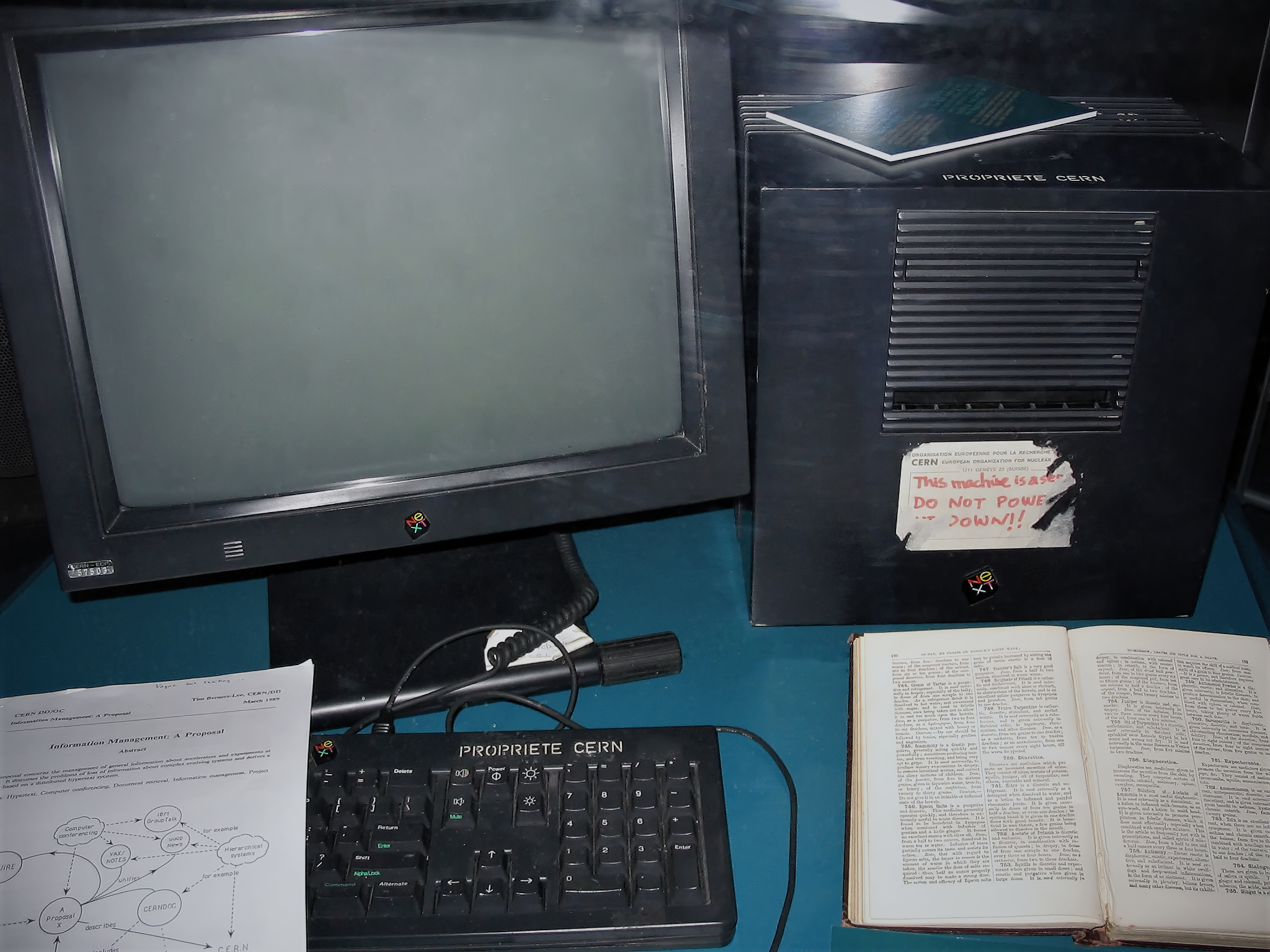
- 1989 - Tim Berners-Lee invents the World Wide Web
- 1990s - Websites, email, and chat become popular
- 2000s - Social media, YouTube, and Google grow fast
- 2010s - Smartphones make the Internet fit in your pocket
- 2020s - Video, AI, and streaming become part of daily life
Parts of the Internet
Websites
A website is a collection of pages on the Internet, like AWFLWIKIWORLD and AEDTP WORLD.
Search Engines
A search engine helps you find websites.
- Bing
- DuckDuckGo
Browsers
A browser is the app you use to open websites.
- Chrome
- Safari
- Firefox
- Edge
Social Media
Social media lets people share photos, videos, and ideas.
- TikTok
- X
Internet Words to Know
- Wi-Fi - Wireless internet
- Data - Mobile internet on your phone
- URL - The address of a website, like aedtpworld.com
- Server - A powerful computer that stores websites
- Download - Getting files from the Internet to your device
- Upload - Sending files from your device to the Internet
- Password - A secret word to protect your account
- Website - Pages on the Internet you can visit
Staying Safe on the Internet
The Internet is useful, but you must be careful.
- Do not share your password with anyone
- Do not talk to strangers
- Do not click strange links
- Do not share your location or personal photos
- Use strong passwords
- Log out when you finish
- Ask an adult if something feels wrong
Think before you click.
Good and Bad of the Internet
Good:
- Connects people around the world
- Helps students learn
- Helps businesses grow
- Gives access to news and information fast
Bad:
- Fake news can spread fast
- Scams and hackers exist
- People can waste too much time
- Not everything online is true
Internet and Artificial Intelligence
Artificial Intelligence uses the Internet to learn and work.
- AI chatbots answer questions online
- AI helps search engines find better results
- AI recommends videos and music
- AI translates languages in real time